
How to use Appwash
At Clean Cocos, you can pay for washing and drying using the NEW appWash by Miele app or directly at the payment terminal in the laundromat.
With the app, you can check machine availability, pay directly from your phone, receive notifications when your laundry is ready, and contact appWash customer support if you need assistance.
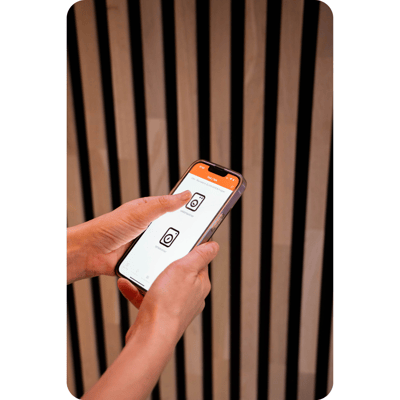
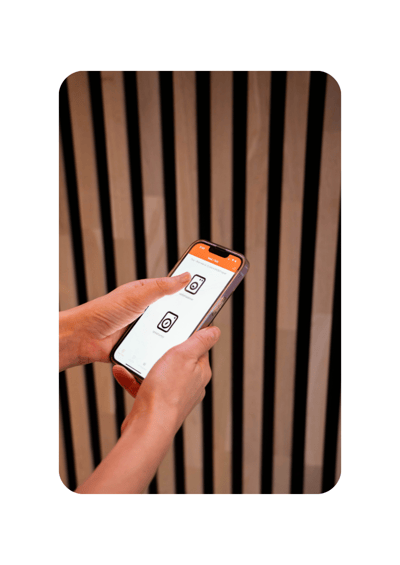
- Download the app: Install NEW appWash by Miele from the App Store or Google Play.
- Create an account: Register with your email address, Apple, Google, or Amazon.
- Complete your registration: If registering by email, confirm your account using the verification code sent to your inbox. Select your language, country, and currency.
-
- Find your laundromat: Open Machines and select Find Location.
- Enter the appWash code: Find the five-digit number on the red appWash sticker on any machine in the laundromat. Enter the code and select Proceed.
Add credit to your appWash Wallet and use your balance to pay for washing or drying.
Go to Wallet → Top Up, select an amount and follow the payment instructions.
Pay directly for each wash or dry without adding credit to your Wallet.
Simply select your machine and change the payment method from Wallet to Instant Pay during checkout.
-
Load your laundry into the washing machine or dryer and close the door.
-
Open the app and go to Machines → Washing or Drying.
-
Select the correct machine and check that its number matches the one on the machine.
-
Complete your payment using Wallet or Instant Pay.
- Select your preferred programme on the machine.
- Press the physical Start or Start/Stop button on the machine.
Create an account in NEW appWash by Miele and select the same currency as in your old account.
Open your old appWash app and find your registered email address and AccountID in the migration message.
Enter these details in the new app and select Look up.
Confirm the amount and select Transfer now.
Your remaining credit will appear in your new appWash Wallet.

If you experience problems with registration, payments, balance transfers, or the app itself, please contact appWash customer service.
Email: support@appwash.com
In-app chat: Open the support chat using the speech-bubble icon with a question mark on the Machines screen.
Please include your registered email address and a description of the problem. For machine-related issues, include the laundromat location and machine number.
For questions about refunds of unused Wallet credit, contact appWash customer service.